Information Technology and Cloud Services
We make technology work for you!
We make technology work for you!
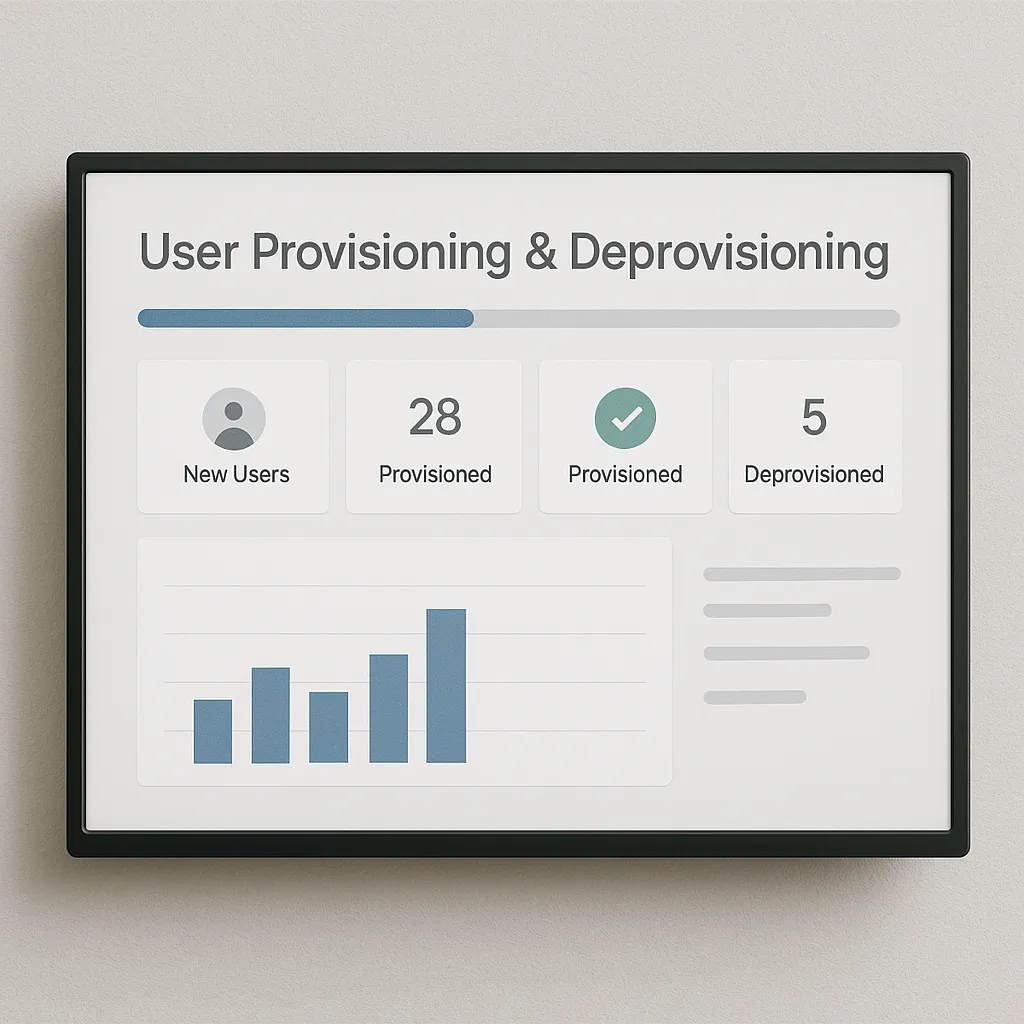
Automate onboarding and offboarding across identity, email, licenses, and security policies — with audit-ready logging and role-based access templates.
From setting up user profiles to revoking access across systems, automated provisioning saves hours per employee and prevents critical oversights during transitions.
Our automation ensures every user follows a standard workflow for setup and exit — with less manual effort, improved accuracy, and stronger security posture.
We implement a repeatable provisioning and offboarding process that can be triggered from a simple form, a ticket, or an HR event. Each run follows a controlled sequence with logging so you know exactly what happened, what changed, and what still requires human approval.
New user provisioning is more than “create an account.” We standardize the baseline, then apply role-based access so staff start productive on day one without over-permissioning.
Offboarding is where risk lives. Our automation prioritizes immediate access removal, then performs controlled cleanup steps to preserve business continuity and retain required data.
To keep outcomes consistent, we build role templates aligned with your org structure (office staff, finance, operations, field tech, executives). Each template defines default groups, app access, mailbox permissions, and security requirements. This reduces “snowflake” accounts and makes audits easier.
Every automated run can record a time-stamped log of changes (what was created, what was removed, which licenses were assigned/reclaimed, and any exceptions). This supports security reviews and helps prove that your onboarding/offboarding process is controlled and repeatable.
These workflows often pair well with our automation services and security programs to reduce operational risk.
Yes. We support on-prem Active Directory, cloud identity, and hybrid scenarios. The workflow can be designed around your current architecture while keeping the process consistent.
Yes. We can automate account creation, group access, license assignments, and offboarding actions for both environments based on your requirements.
We use role templates, approval gates (when required), and post-check validation steps. The goal is least-privilege access with repeatability.
Yes. Offboarding workflows can include evidence logging, retention actions, and manager acknowledgements depending on your industry requirements.
Talk to us about onboarding automation
Click the icons below to explore our site:

Red tape? We’ll cut through the digital kind. We support legal practices with secure data access, reliable software setups, and court-compliant tech.
Learn More
Dust and downtime don't mix. Rugged field-ready tech, on-site networking, and real-world support for contractors who need IT that keeps up with the crew.
Learn More
When identity’s on the line, your tech can’t flinch. We help verification platforms stay secure, scalable, and fast — whether for onboarding or compliance.
Learn More
Power, water, and bandwidth — all supported behind the scenes. We help utilities manage critical systems, dispatch tools, and secure infrastructure 24/7.
Learn More
There’s no room for downtime in patient care. We help hospitals maintain secure, compliant, and highly available systems — from nurse stations to backend servers.
Learn More
Fast-moving inventory needs fast-moving tech. We support your POS systems, scanners, and vendor platforms so your shelves—and sales—stay in sync.
Learn More
Data matters when the planet's involved. Whether you're logging samples or prepping a client report, we ensure your systems stay secure, mobile, and efficient.
Learn More
Routing trucks, logging inspections, staying compliant—we’ve got it handled. We support septic service businesses with mobile tools, secure data, and reliable field connectivity.
Learn MoreFlexible, as-needed IT support for urgent issues. No commitments for quick assistance!
Fixed payment "IT Helpdesk" with spending controls for regular support.
Internet products and services that support Cloud operations.
Long or short term business contracting, subcontracting, outsourcing or partnerships.
Infinigence was established in 2008. We are an Information Technology Service Business operating from Fairfield County, CT. We don't publish our staff members on our public website as a measure to shield us from cyber identity impersonation but look forward to getting to know you.
We wish to have our website work properly and appreciate any feedback related to issues.
Please report any issues such as typo's, screen alignment issues, or malfunctions to webmaster@infinigence.com.